HDMI
Video Quality
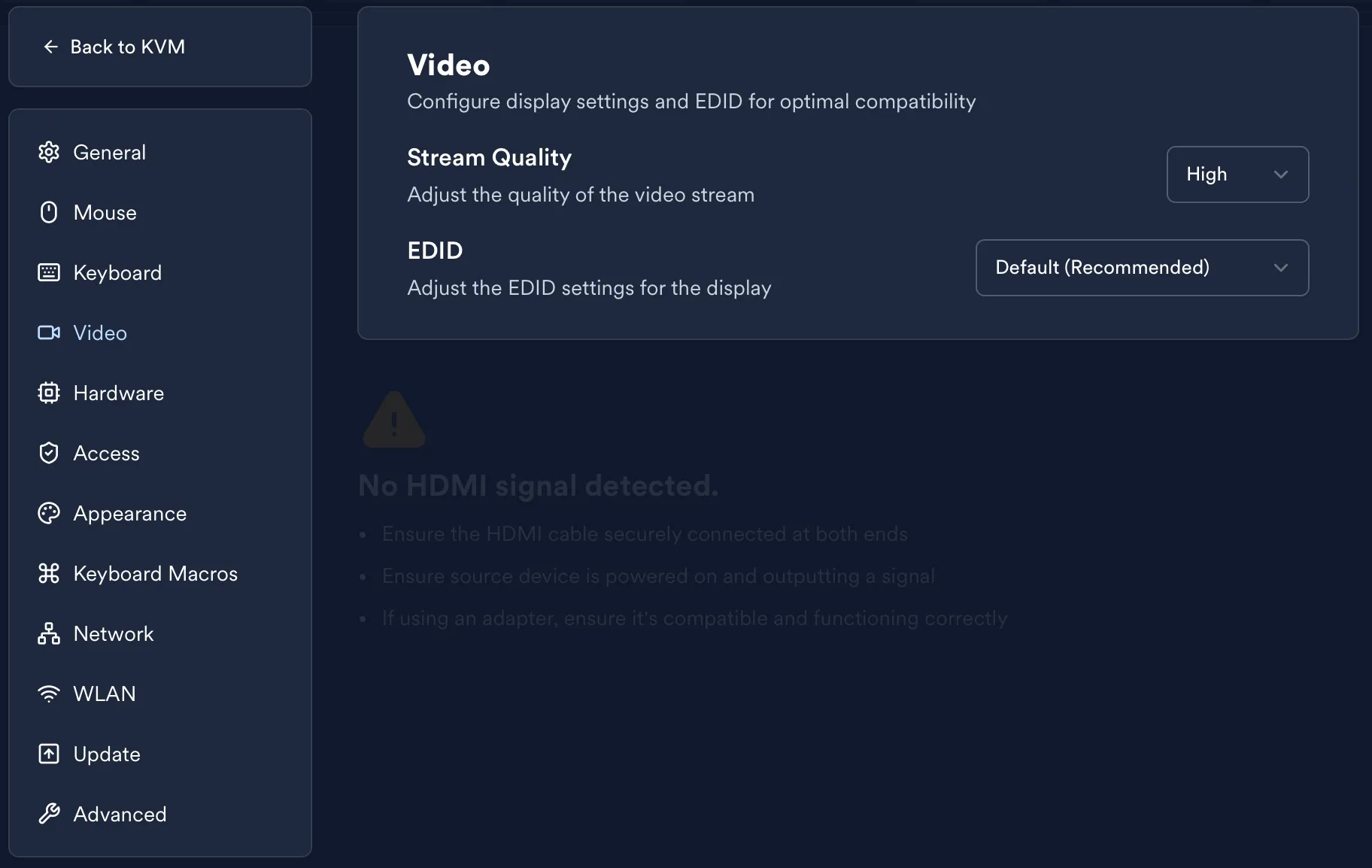
Section titled “Video Quality”LeafKVM offers three selectable video quality levels — High, Medium, and Low —
allowing you to adjust the streaming bitrate according to your network conditions and
the clarity you require.
- High: Maximum visual fidelity for fast or local connections
- Medium: Balanced clarity and bandwidth usage
- Low: Minimal data usage for limited or unstable networks
LeafKVM automatically chooses an optimal bitrate for each level while maintaining
a minimum of 100 kbps, ensuring the remote session remains responsive even
under constrained bandwidth.
HDMI EDID
Section titled “HDMI EDID”LeafKVM ships with a versatile default EDID that works for nearly all common
BIOS, UEFI, and operating system environments. In most cases, you won’t need
to modify it.
Certain systems—particularly older firmware or hardware with strict output
requirements—may benefit from a customized EDID. You can configure this via
the Settings → EDID section in the Web UI.
LeafKVM provides:
- A set of predefined EDID presets for common resolutions and compatibility profiles
- The option to enter your own custom EDID if advanced tuning is required
This allows you to control how the source device negotiates resolution and
color formats with LeafKVM’s HDMI capture engine.
© 2026 LeafKVM Team
Contact