

Virtual Media
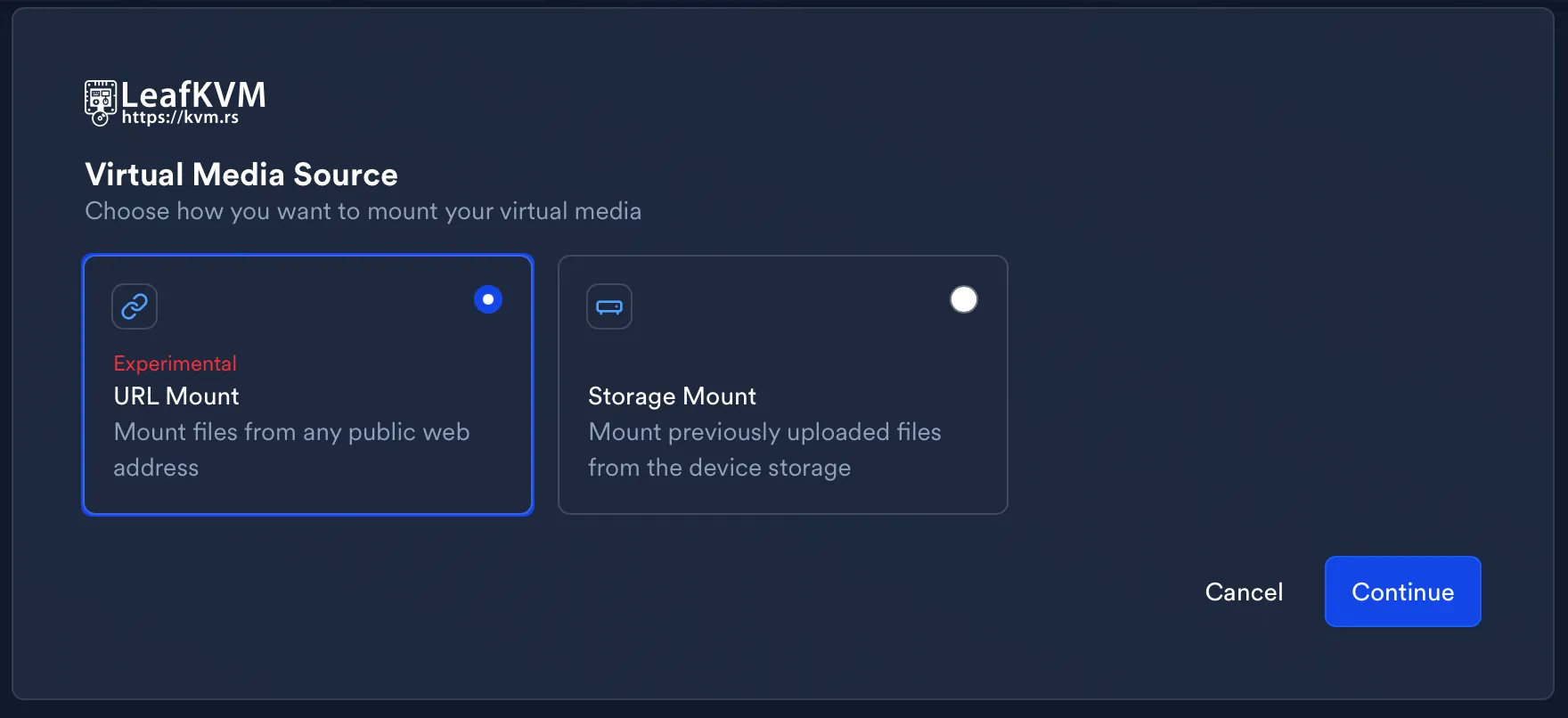
Mount Drive
Section titled “Mount Drive”LeafKVM can mount the following image formats:
- ISO
- other formats in development
Only one virtual drive may be active at a time, and the USB mode must be chosen before mounting.
The internal storage space available for storing images is approximately 12 GiB.
Mounting Methods
Section titled “Mounting Methods”Storage Mount
Section titled “Storage Mount”Storage Mount uses image files that have been uploaded into LeafKVM’s internal storage.
- Delivers maximum throughput (near USB 2.0 peak speed)
- Most reliable for long installs and reboots
- Requires uploading the image beforehand
For the best overall experience, Storage Mount is recommended.
URL Mount
Section titled “URL Mount”URL Mount streams an image directly from a public HTTP/HTTPS link.
How it behaves:
- LeafKVM fetches each data block on demand as the target machine reads it
- Predictive caching improves responsiveness by preloading expected blocks
- The UI displays live block read and bandwidth metrics
You may select from built-in popular URLs or supply your own.
This method is useful when the image is already hosted online and you prefer not to upload it.
Browser Mount
Section titled “Browser Mount”Browser Mount streams the image through WebRTC, using your browser as the data source.
Process overview:
- LeafKVM forwards block-read requests to your browser
- The browser reads the local file and streams the data back in real time
- The tab must remain open because your browser acts as the virtual drive backend
- Predictive pre-caching helps reduce latency for sequential reads
This option is ideal when you want to mount an image instantly without uploading
and without hosting it on the internet.
USB Classes
Section titled “USB Classes”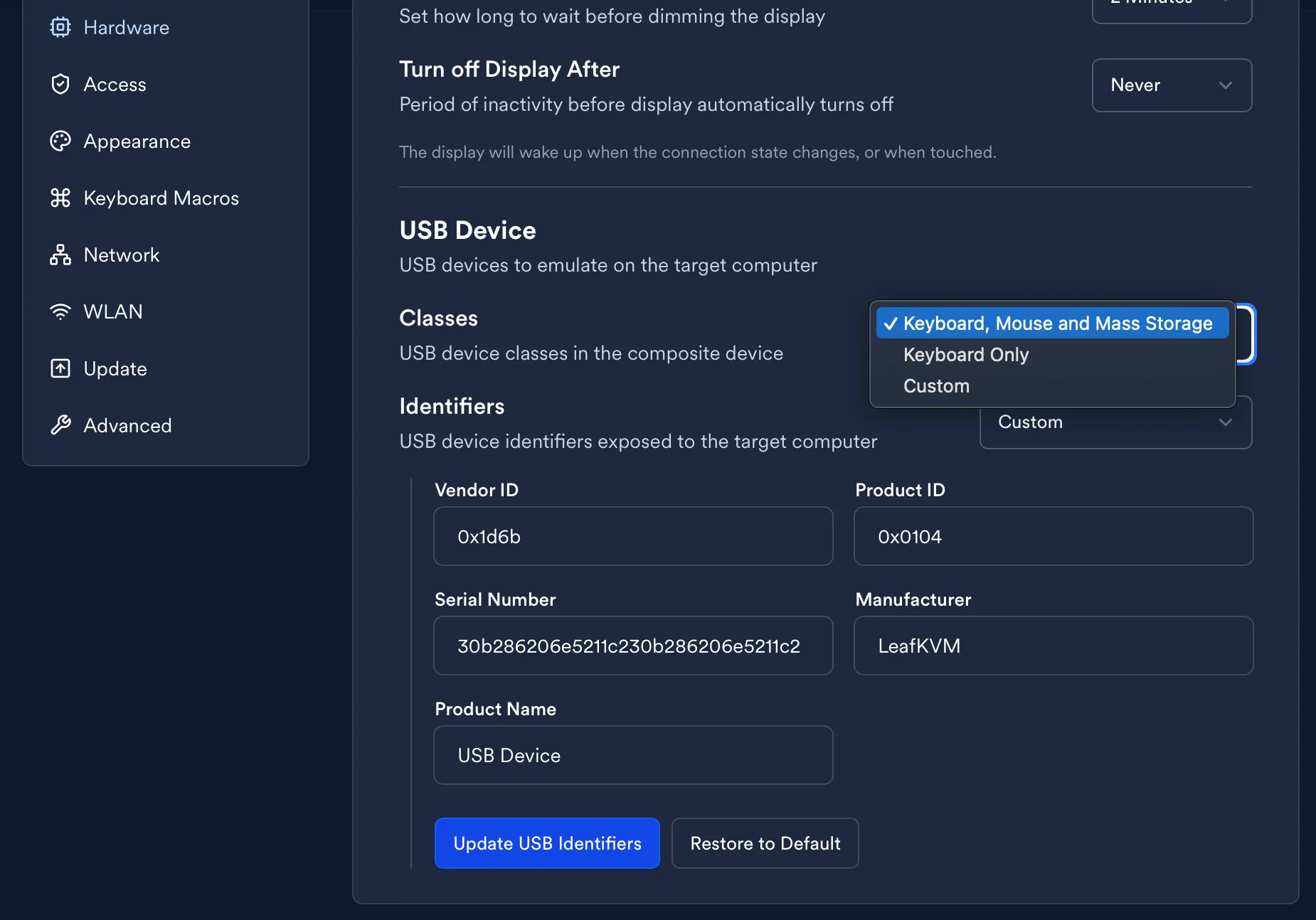
LeafKVM can emulate a virtual optical drive.
- Installers that expect CD/DVD media
- Firmware with stronger compatibility for optical devices
- ISO-based utilities and legacy systems
Mass Storage class is required.
© 2026 LeafKVM Team
Contact